CMYK vs sRGB: What Changes in One File, Measured in RetouchPi
The same three numbers are one colour on a screen and another on paper. That is not mysticism; it is two colour models each owning half of a pipeline. sRGB owns the emitting screen, CMYK owns the absorbing paper. This page keeps the two apart: where the models differ, and how far a CMYK file lands from its origin once a browser editor flattens it into sRGB - a gap you can measure. On 2026-10-09 nine samples were compared patch by patch, dE from 0 to 18.8, every number accounted for.
Updated 2026-10-10 · ~ 1176 words
Two models, each owning half the pipeline
sRGB is additive: red, green and blue light stack into a colour, 0 is black, 255 is full blast, and the numbers describe how much light a patch of screen emits. CMYK is subtractive: cyan, magenta, yellow and black inks absorb part of the light and the rest reflects into your eye, so the numbers describe how much ink a patch of paper carries. One describes emission, the other reflection, and between them sit paper white, ink order and dot gain - none of which exist on a screen.
So "CMYK 100,0,0,0" is not a colour; it is the instruction "lay full cyan". On coated stock it is one cyan, on newsprint another. sRGB (255,0,0) is likewise an instruction - "red channel wide open" - except sRGB pins the screen side down, which is why monitors roughly agree. Numbers are instructions, not colours. A colour only exists once model, medium and, when it matters, a profile are named together.
Why print always comes out a little duller
Because the gamuts are not the same size. The glowing saturated blues and greens of sRGB sit outside what four inks can reflect; a conversion has to settle for the nearest point inside, and the eye reads that as "duller". The reverse also happens: some deep ink colours sit outside sRGB's bright side. Loss runs both ways; neither model contains the other.
- Screens emit, paper reflects: change the room light and the paper side shifts while the screen side barely moves.
- Black differs: sRGB black is the absence of light, CMYK black is four inks stacked, and the shop separately decides how the black channel is generated.
- Paper white is not 255: stock white is usually dimmer and warmer than screen white, so the whole image starts from a different contrast floor.
How far a CMYK file lands inside a browser editor
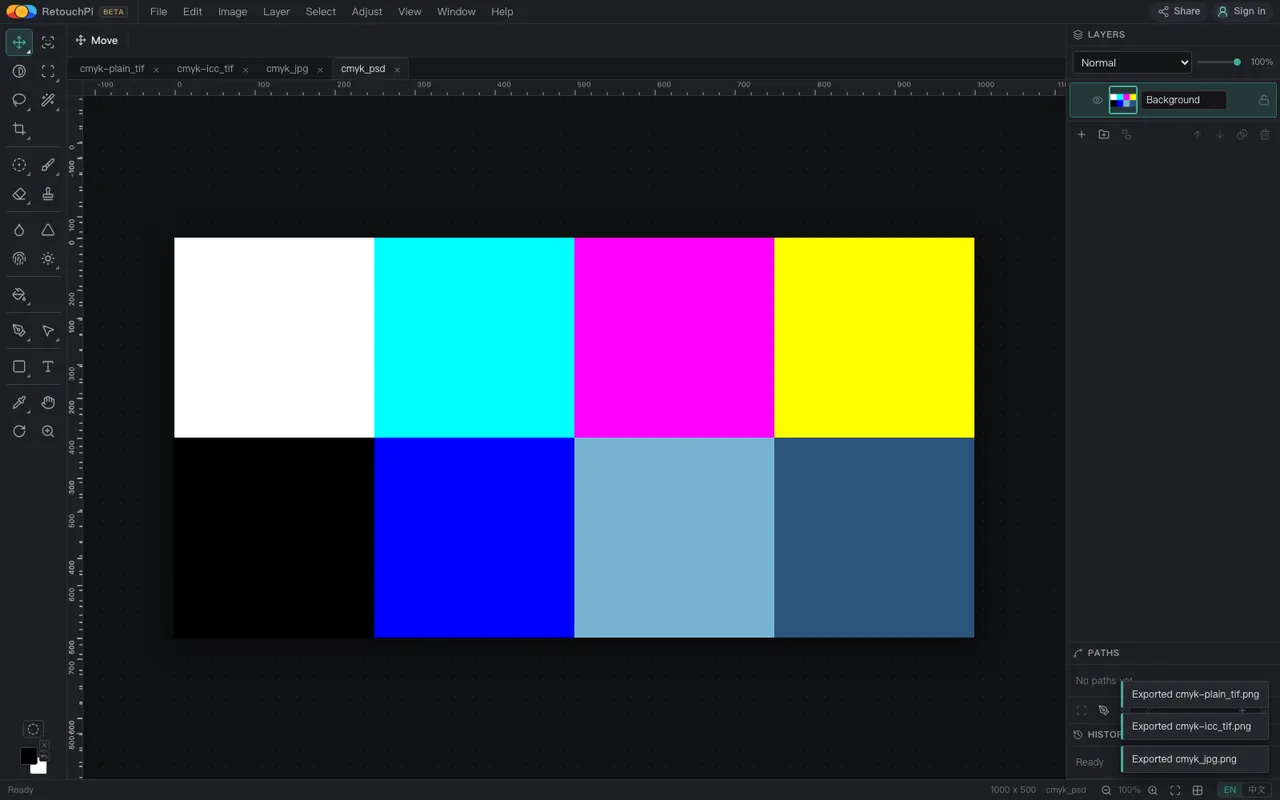
A browser canvas speaks only sRGB, so the moment a CMYK file arrives there is a conversion, whether anyone names it or not. This version runs the plain formula R = (255-C) x (255-K) / 255. The measurements fall into three bands: PSD and TIFF, decoded in-house, export eight patches identical to the formula, dE 0; a CMYK JPEG goes through the platform decoder and lands at most dE 0.65 away, a 1/255 rounding; and a PSD carrying an embedded RGB profile is a different animal - the profile is truly applied, matching the reference transform patch by patch, whereas reading the raw values as sRGB would be off by up to dE 18.8.
Put those three bands together and you have the whole honest version of "viewing CMYK in a browser": it is viewable, the conversion really happens, and on the plain-formula band the error is rounding scale. But it is not the press's answer, and a file carrying a CMYK profile is not computed through that profile here - an embedded CMYK profile is ignored entirely, byte-identical to the profile-less twin.
What a browser editor is actually good for before press
- Looking at the file at all: nothing else can be discussed if the original will not open. CMYK TIFF, PSD and JPEG all open in this version, in 254-261 ms.
- Measuring size and resolution: the status bar reports pixels and physical size, and cropping or framing calls are fine on an sRGB preview.
- A confirmation preview for a client or colleague: an sRGB PNG or PDF, labelled "screen preview, not a colour sign-off".
- Catching problems early: a file that opens garbled, mis-sized or with the wrong channel count is orders of magnitude cheaper to find here than at the shop.
The sign-off step is not here: the shop's paper proof is what counts. This version plates nothing, has no press-proofing step, and exports sRGB - treating a screen preview as a colour sign-off is the most common accident in this whole family.
What this page does not claim
- No claim of CMYK colour management in the browser: this version has no CMYK working mode, embedded CMYK profiles are ignored, and only RGB profiles on the PSD road are applied.
- No claim that dE 0 means "correct": dE 0 only says the result equals the plain formula, and the formula itself is not the press's answer.
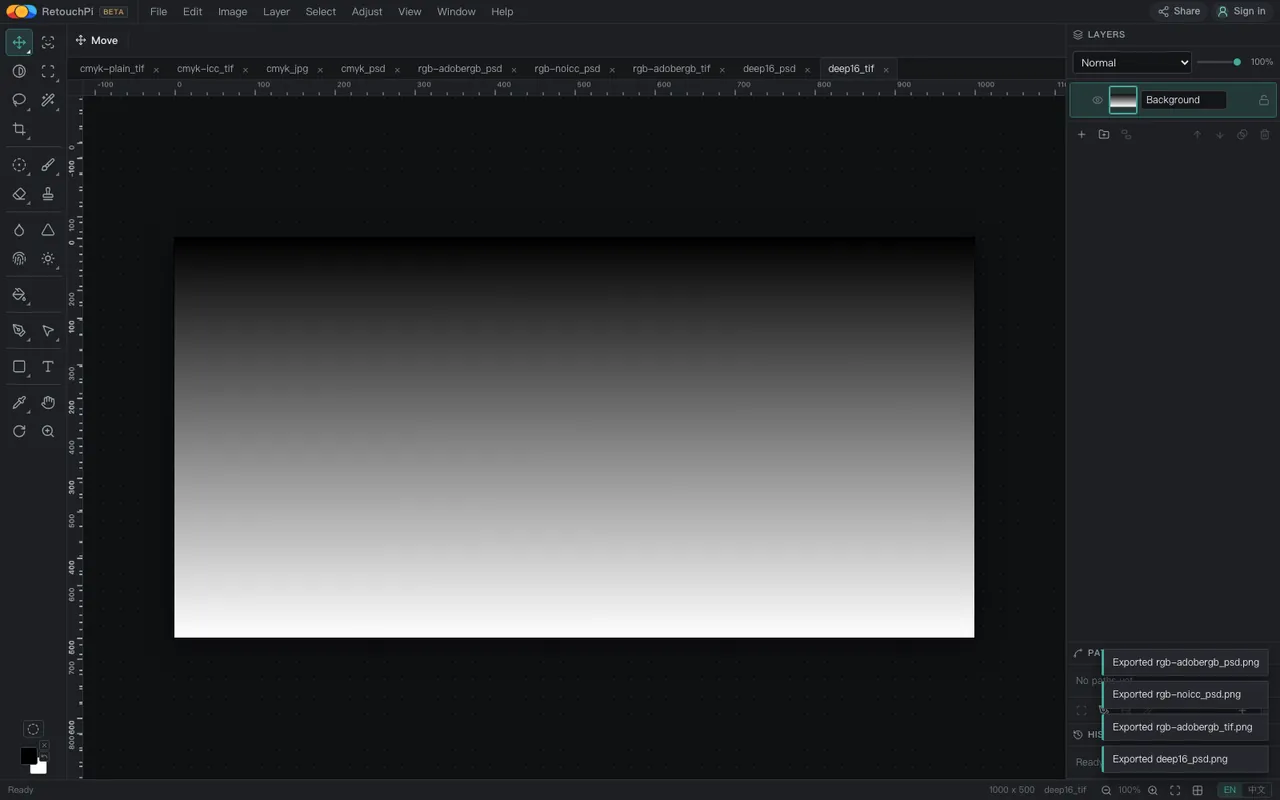
- No claim about bit depth: 16-bit files open but narrow to 8 bits on the way in; a deep-bit pipeline is not in this version.
Questions people ask
Can I just send the shop an sRGB file?
Ask the shop. Plenty of digital printers take sRGB and convert themselves; traditional houses often want CMYK in their own profile. One question - what do you accept, in which profile - beats any general answer. What this page can give is every reading on the screen side.
Why does my exported PNG match the editor but not the print?
Because the PNG is sRGB - the same half of the pipeline as the editor canvas, so of course they agree. The print runs the ink-and-paper half, with gamut, paper white and dot gain in between. The two halves were never supposed to match; expecting them to is the misunderstanding.
Does this version compute a profiled CMYK file through its profile?
It does not. Measured, a TIFF carrying a generic CMYK profile comes out byte-identical to the profile-less one; the plain formula runs. Only a PSD carrying an RGB profile is computed through it (dE 0 against the reference transform).
Is viewing CMYK in a browser worth anything at all, then?
Yes, and practically so: confirming the file opens, is sized right, is framed right and has no broken channel, then exporting an sRGB preview for whoever must confirm. That is most of the back-and-forth in prepress communication; the remaining sign-off step belongs to the shop's paper proof.
Read next
- Open camera RAWSeven real camera files, measured one by one
- Remove background119 ms, and the result is a layer mask
- ID photoSix named sizes, exported at 300 dpi
- Edit PSD onlineOpens layered, edit one layer, saves back layered
- JPEG to PDFOne pixel per point, read back byte by byte
- AI pricingOne credit is one US cent, tier by tier
- CapabilitiesWhat it opens, and what it exports
- Open CMYK filesNine samples opened, 254-261 ms each
- Where the ads come fromZero ad slots on the canvas, screen-share maths
- Ad-free editingAd-free is a one-time purchase, not a subscription
- AI editing and layersResults land back on the source layer's rectangle, ±3 px
- Where your file goesEight actions, request lists, zero picture bytes out
Run your own file through it
Drop the CMYK original into the editor, read the status bar, export an sRGB preview and set it beside the shop's screen preview. Three steps, and every reading on this page becomes one you took yourself.
As an Amazon Associate, we earn from qualifying purchases.